Deciding whether to learn how to turn old phone into dash cam software or invest in a dedicated, purpose-built camera system is a common dilemma for vehicle owners looking to improve their road security. While repurposing a spare device is cost-effective, it presents different operational challenges than using a professional-grade dash cam.
Many drivers struggle to distinguish between the convenience of a smartphone app setup and the reliability of a device engineered for automotive thermal conditions and loop recording. Understanding these trade-offs is essential for creating a system that actually works when an incident occurs.
This guide analyzes both approaches, providing a clear framework for you to choose the right setup based on your vehicle needs, budget, and desired level of maintenance. By the end, you will be able to determine which route ensures the most reliable evidence collection for your specific situation.
- Upfront costs: Repurposed phones versus retail dash cams.
- Thermal reliability: Handling high cabin temperatures.
- Storage management: Automatic loop recording capabilities.
- Mounting and concealment: Aesthetic and safety considerations.
- Power stability: Impact on vehicle battery life and cabling.
Overview & Head-to-Head Summary

The Old Phone Repurposing Approach
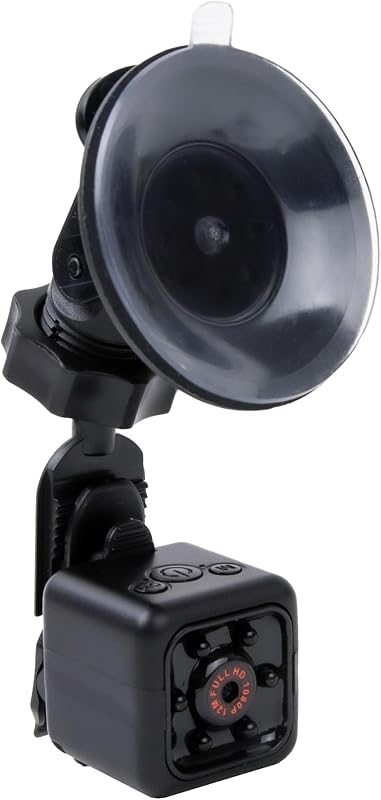
Turning an old smartphone into a dash cam involves downloading a specialized app that manages the camera feed and storage. This method leverages high-quality sensors already present in most smartphones, often exceeding the resolution of entry-level dedicated cameras.
The Dedicated Dash Cam Approach
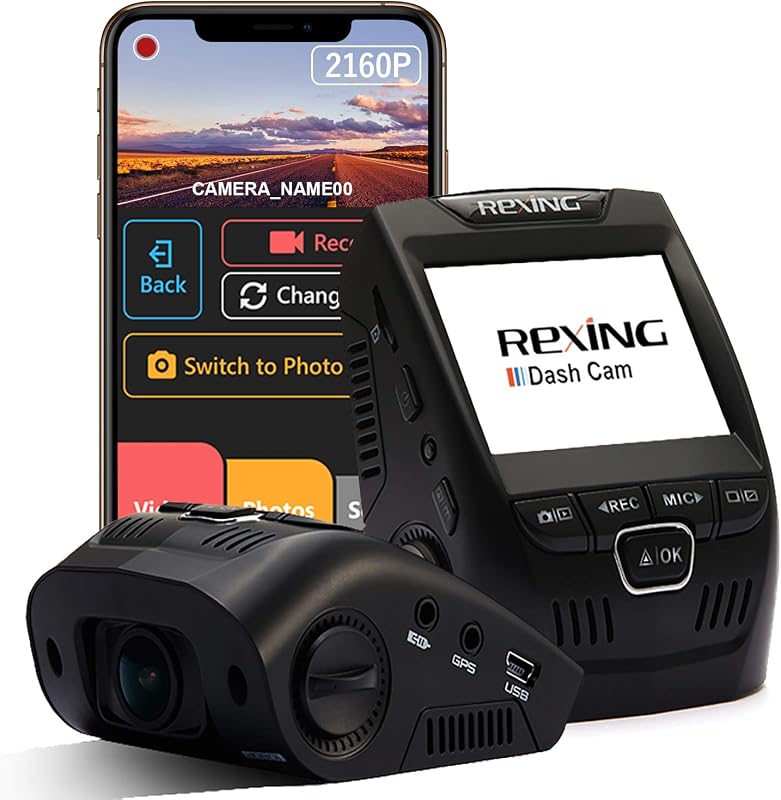
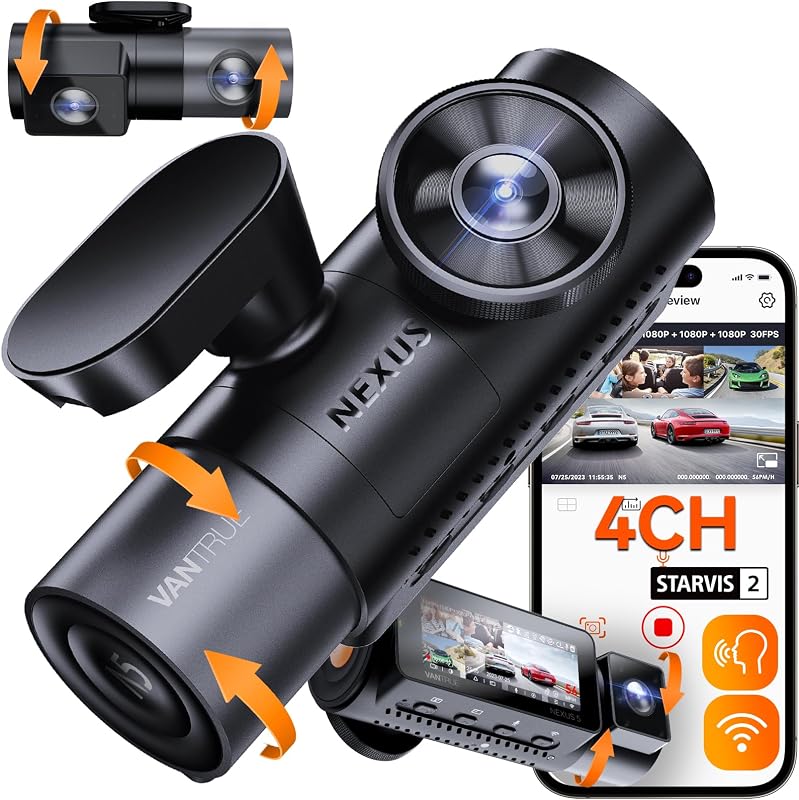
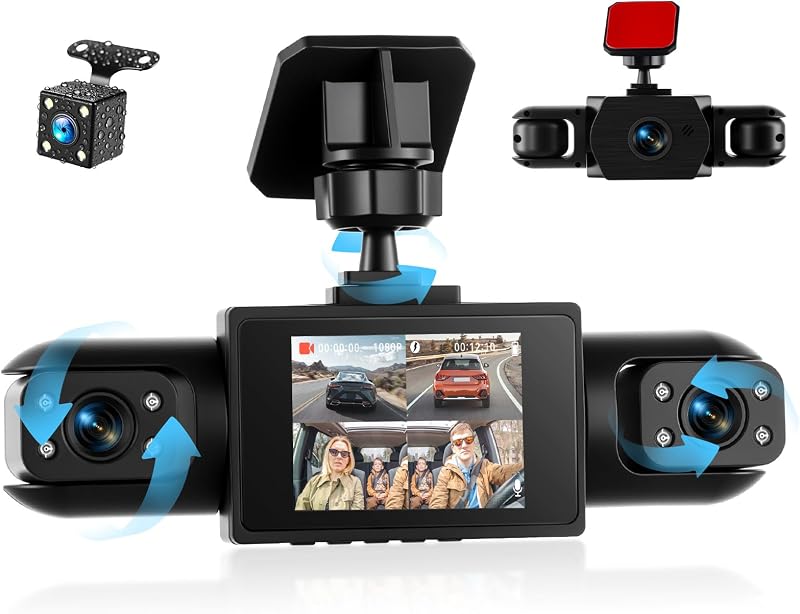
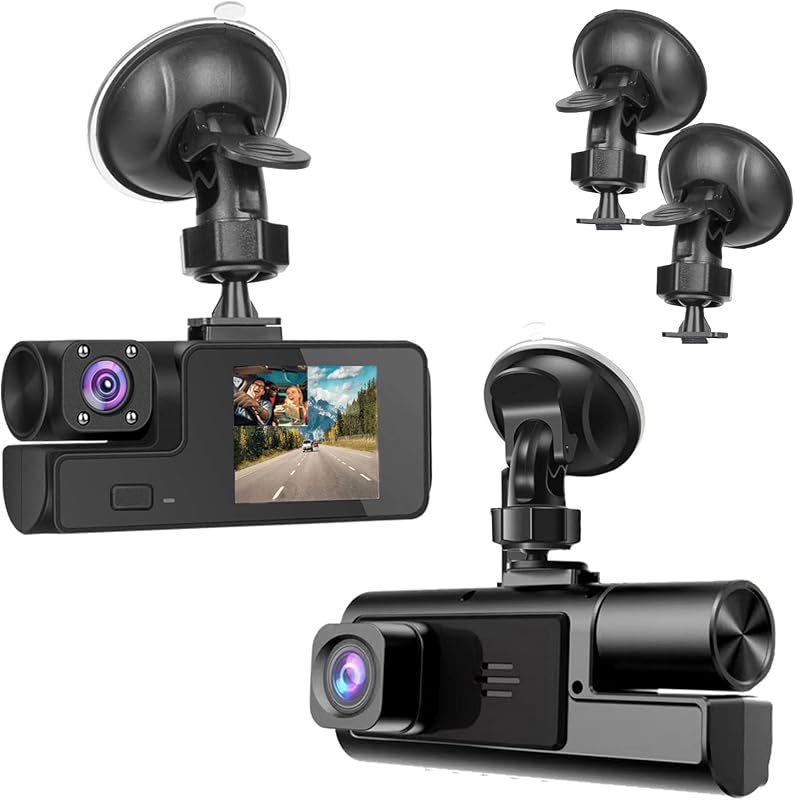
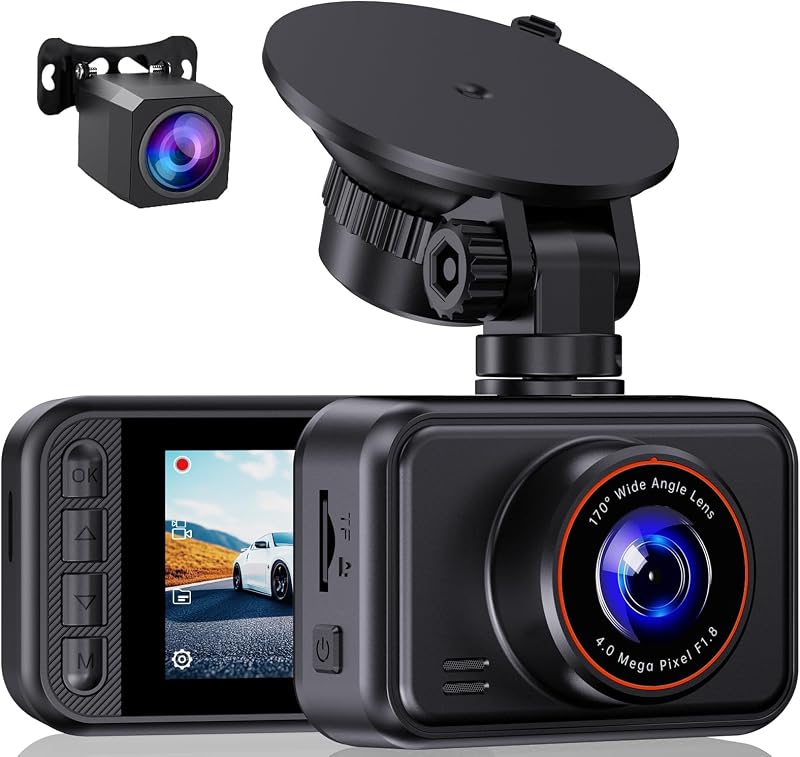
Dedicated dash cams are hardware solutions designed specifically for vehicles. They typically feature capacitors instead of lithium-ion batteries for heat resistance, automatic g-sensor triggers for event locking, and seamless ignition-based power management.
| Feature | Old Phone | Dedicated Dash Cam |
|---|---|---|
| Setup Effort | High (Mounting/App config) | Low (Plug & Play) |
| Heat Resistance | Low (Risk of battery swelling) | High (Thermal safe) |
| Loop Recording | App-dependent (Often buggy) | Hardware-integrated (Reliable) |
| Cost | Low (Zero if owned) | Moderate to High |
If you choose to use an old phone, consider checking Do dash cams record when the car is off? Everything You Need to Know for 24/7 Security to understand if your DIY setup can support parking mode safely.
Key Differences & Core Features

Thermal and Physical Resilience
The most significant difference lies in construction. Dedicated dash cams use supercapacitors, which handle the extreme temperatures of a parked car much better than smartphone lithium-ion batteries. An old phone left in a hot car during summer runs a legitimate risk of battery degradation or safety hazards.
Automation and Power Integration
Dedicated systems turn on and off automatically with your ignition. An old phone requires manual launching or complex automation routines. Furthermore, proper cabling for a dedicated camera is much easier to manage than the dangling wires often seen with phone-based setups.
| Attribute | Smartphone System | Dedicated Unit |
|---|---|---|
| Battery Type | Lithium-ion (Heat sensitive) | Supercapacitor (Heat tolerant) |
| User Interface | Touchscreen (Complex) | Buttons/App (Simplified) |
| Automatic Start | Depends on OS automation | Reliable Hardwire |
For more insights on secure mounting for internal setups, review our Baby Car Camera Mounting Tips: Secure Setup Guide 2026, as similar principles apply to positioning a phone.
Performance & Real-World Analysis

Evaluating Sensor Quality and Optics
While an old flagship phone might have a better image sensor than a budget dash cam, optics are different. Dash cams use wide-angle lenses to capture a broader view of the road, whereas smartphone cameras are designed for standard focal lengths. You must ensure your app supports wide-angle modes effectively.
Long-term Reliability Under Load
Performance in the real world depends on continuous file writing. Memory cards in phones are not always optimized for the constant loop recording cycles that dedicated dash cams handle daily. This can lead to frequent storage corruption if the app isn't perfectly configured.
A properly configured setup, regardless of type, is better than none. Refer to 5 Best Spare Dash Cam Battery Options for Long-Lasting Parking Mode to see how auxiliary power can bridge performance gaps.
Best Use Cases & Ideal Scenarios

When Option A (Old Phone) Makes More Sense
This is ideal for budget-conscious users who need a short-term solution, or for those who have a spare high-quality phone they intend to use only for occasional city driving. It works well if you have a shaded parking spot and can keep the device cool.
When Option B (Dedicated Cam) Makes More Sense
This is essential for daily commuters, high-mileage drivers, or anyone needing "set-it-and-forget-it" security. The reliability of hardware designed for the specific task of accident recording outweighs the initial savings of a phone-based setup.
When It Genuinely Doesn't Matter
If you only need occasional footage for scenic drives or non-critical recording, both options provide sufficient quality. In these low-stakes environments, the convenience of the device you already own may override the benefits of a specialized unit.
Final Verdict & Decision Framework

Quick Decision Checklist
Choose an old phone if you prioritize $0 cost and have the technical patience to manage the setup. Choose a dedicated dash cam if you prioritize reliability, thermal safety, and zero-maintenance operation.
Our Framework for Choosing
| Priority Goal | Recommended Option |
|---|---|
| Lowest possible budget | Old Phone |
| Automatic, reliable recording | Dedicated Dash Cam |
| Frequent, high-heat exposure | Dedicated Dash Cam |
| Occasional city driving only | Old Phone |
Frequently Asked Questions
Does using an old phone as a dash cam damage it?
A: Yes, the constant heat cycles and charging can lead to battery swelling or internal component failure over time. It is not recommended for permanent, long-term use.
Can any phone be used as a dash cam?
A: Practically any Android or iOS device with a functional camera and enough storage can be used. However, older devices may lack the processing power to record high-resolution, high-frame-rate video reliably.
Do apps for dash cams work well?
A: Many reputable dash cam apps perform basic recording functions adequately. Their success often depends on your phone's ability to remain stable during heat fluctuations.
Is it legal to use a phone on my dash?
A: Laws vary, but most regions allow it as long as it does not obstruct the driver's view of the road. Ensure your mount position complies with local vehicle safety standards.
Do dedicated dash cams require a special SD card?
A: Yes, most dash cams require "High Endurance" microSD cards. These are specifically built to withstand the constant rewriting of data that occurs in loop recording.
Can I use a phone mount as a dash cam mount?
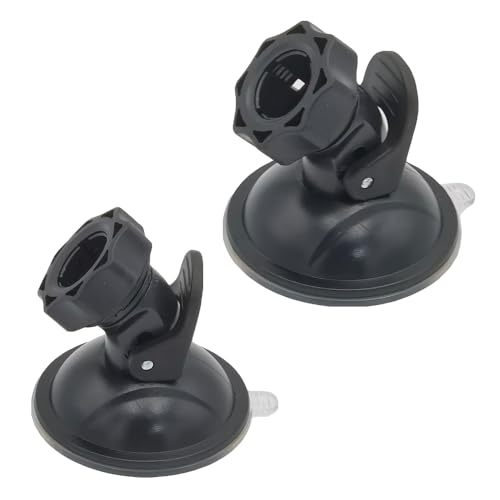
A: You can, but a dedicated dash cam suction cup or adhesive mount is generally much more secure and vibration-resistant. Stability is crucial for readable license plate footage.
Is a smartphone camera better than a dash cam?
A: Modern smartphones have excellent sensors, but they lack wide-angle lenses and the optimized image processing needed for motion blur reduction at highway speeds.
How do I power a phone used as a dash cam?
A: You will need a long USB cable routed through your vehicle's trim to an ignition-switched power source. This ensures the phone turns on and off with your engine.
Key Takeaways
- 1 Old phones offer a zero-cost entry point but lack thermal protection.
- 2 Dedicated dash cams use supercapacitors for better heat resistance.
- 3 Reliable loop recording is the most important factor in evidence collection.
- 4 Smartphone apps require significant setup and manual management.
- 5 High Endurance microSD cards are required for dedicated units to avoid data loss.
- 6 Mounting a phone requires careful placement to remain legal and safe.
- 7 For daily driving, a purpose-built camera is generally the safer investment.
Conclusion
Choosing how to record your driving comes down to the balance between initial convenience and long-term reliability. If you are experimenting or have an extremely limited budget, learning how to turn old phone into dash cam software is a viable starting point. However, for a setup you can truly rely on during an insurance claim, a purpose-built dash cam remains the standard for performance.
Evaluate your driving habits and budget carefully. If you drive frequently or in high-heat areas, the investment in a dedicated system is likely justified. For more information on system capabilities, you can explore How Does Baby Car Camera Work? Top 5 Systems for 2026 Reviewed to compare how different camera types handle real-time monitoring.
Prioritize a system that provides you with the most peace of mind on the road today.