Determining whether should a dashcam be on the driver or passenger side is a common dilemma for new owners looking to optimize visibility and legal compliance. While both positions offer functional recording capabilities, the choice often comes down to your specific vehicle ergonomics and regional traffic laws.
The confusion typically stems from balancing the need for an unobstructed field of view with the goal of minimizing distraction while driving. Drivers often worry that a device mounted too close to the rearview mirror might obscure important road hazards, yet placing it too far away could result in a skewed viewing angle or difficult access to manual recording controls.
This guide evaluates the pros and cons of both mounting sides, providing a decision-making framework to ensure your dashcam is set up correctly. By the end of this article, you will understand how to choose the location that minimizes interference, satisfies legal requirements, and provides the best possible video evidence for your specific vehicle setup.
- Legal considerations and local windshield obstruction laws.
- Driver field-of-view and potential blind spots.
- Ease of reach for manual saving and camera adjustments.
- Wiring paths and cable management challenges.
- Interior aesthetics and passenger comfort factors.
Overview & Head-to-Head Summary
Driver-Side Mounting: Centralized Control
Mounting on the driver's side—usually tucked behind the rearview mirror—is favored for proximity. It allows the driver to quickly reach buttons for emergency footage tagging without leaning across the cabin.
Passenger-Side Mounting: Safety and Clarity
The passenger side is often recommended by manufacturers to ensure the driver has a completely unobstructed view of the road, particularly in regions with strict "windshield obstruction" regulations.
| Feature | Driver Side | Passenger Side |
|---|---|---|
| Ease of Access | High | Low |
| Visual Obstruction | Moderate | Low |
| Cable Management | Simple | Requires longer routing |
| Driver Distraction | Higher Potential | Minimal |
Always consider your vehicle's specific power requirements before committing to a side, as cabling paths often dictate where you can cleanly hide wires.
Key Differences & Core Features

Accessibility and Control
The primary difference lies in ergonomics. A driver-side mount is superior for users who frequently trigger manual recording modes. However, it can occasionally interfere with sun visor usage.
Legal and Safety Compliance
Many jurisdictions explicitly forbid placing objects within the driver's line of sight. Placing the unit on the passenger side is a safer bet for compliance with local vehicle safety codes.
| Category | Driver-Side Focus | Passenger-Side Focus |
|---|---|---|
| Ergonomic Reach | Direct reach for user | Requires reach-over |
| Legal Visibility | High risk of restriction | Generally compliant |
| Sun Visor Clearance | Often inhibited | Usually clear |
| Aesthetic Profile | Visible to driver | Concealed from driver |
For more details on how your specific installation method influences placement, see our guide on installation cost and complexity.
Performance & Real-World Analysis

Field of Vision Consistency
Mounting slightly off-center (regardless of side) provides a better perspective of traffic intersections compared to a perfect center mount, which may be blocked by the rearview mirror housing.
Reliability in Operation
Real-world testing shows that consistent power delivery is more important than the mounting side. Ensure your mount is secure against vibrations to maintain clear image quality.
Consistent mounting performance is achieved when the lens is level and the cable path is fully secured, minimizing wire movement over time.
Best Use Cases & Ideal Scenarios
When Option A (Driver Side) Makes More Sense
Choose the driver's side if you use a high-end camera with many manual features that you need to access frequently, or if your vehicle has a small, specialized windshield area.
When Option B (Passenger Side) Makes More Sense
This is the default for most drivers. It is ideal for those who prefer a "set and forget" experience and want to prioritize an unobstructed view of the road.
When It Genuinely Doesn't Matter
In many modern vehicles with large, wide-angle lenses, the difference in coverage between left and right mounting is negligible for legal documentation purposes.
Regardless of side, ensure you have a robust mount as discussed in our mounting tips guide.
Final Verdict & Decision Framework
Quick Decision Checklist
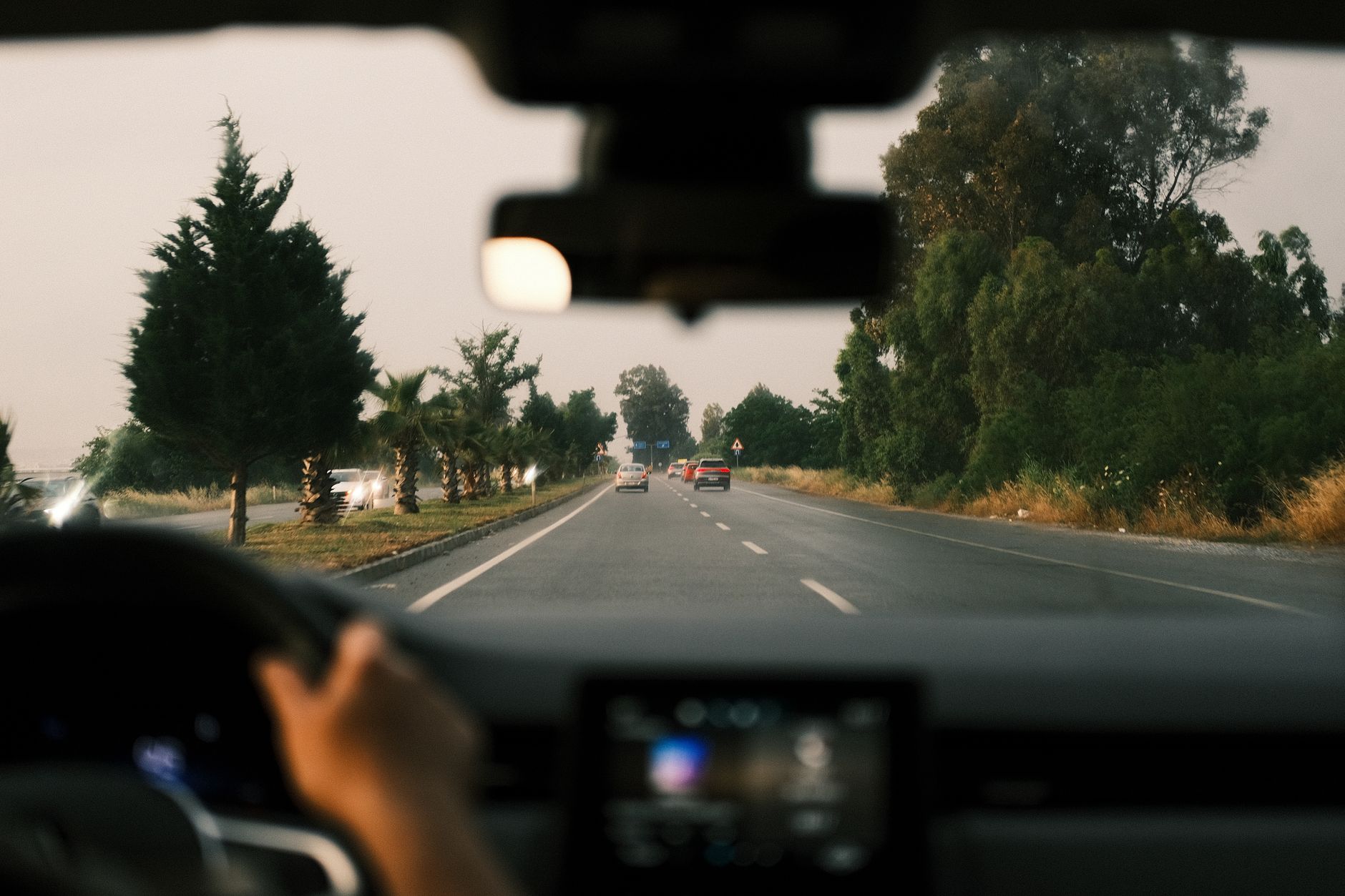
Ask yourself: Is the camera interfering with my vision? If yes, move it to the passenger side. Is it impossible to reach for emergency recording? Move it closer to the driver.
Our Framework for Choosing
We recommend starting on the passenger side for 90% of users. Only switch to the driver's side if your specific cabin layout prevents effective operation from the passenger position.
| Priority | Recommended Position |
|---|---|
| Visibility & Safety | Passenger Side |
| Active Manual Control | Driver Side |
| Legal Compliance | Passenger Side |
| Ease of Power Routing | Dependent on Vehicle |
Frequently Asked Questions
Is it illegal to mount a dashcam on the driver's side?
A: In many jurisdictions, windshield obstruction laws prohibit mounting devices in areas that restrict the driver's view, which often targets the driver-side zone. Always check your local state or regional traffic regulations.
Does mounting side affect the camera's GPS accuracy?
A: No, the side of the mount does not impact GPS signal quality, provided the unit has a clear view through the windshield.
Will the passenger side mount have a worse angle?
A: Most wide-angle dashcams cover enough area that the slight offset from center to the passenger side is irrelevant to the captured footage quality.
Can I hide the cable easily on both sides?
A: Cable management usually follows the headliner; the length required to reach the fuse box or power outlet may be slightly different based on your specific car model.
Does heat from the dash affect the camera?
A: Heat levels are usually similar across the windshield, but ensure the camera is not mounted directly over a high-output defrost vent.
How do I handle the passenger side if I have a passenger?
A: Mounting the camera behind the rearview mirror generally keeps it out of the passenger's field of view as well, ensuring it does not distract them.
What if my car has a rain sensor?
A: Avoid mounting the camera over the rain-sensing area or the camera/sensor housing for lane-assist systems, as this can block internal vehicle sensors.
Can I switch sides later?
A: If you use a suction cup mount, switching is easy. If you use adhesive, you may need to purchase a new mount kit if you decide to change locations.
Key Takeaways
- 1 The passenger side is safer for overall driving visibility.
- 2 Driver-side mounting is only recommended for high-accessibility needs.
- 3 Local laws frequently restrict driver-side window attachments.
- 4 Aim to place the lens as close to the center rearview mirror as possible.
- 5 Always route cables along the headliner to avoid loose wires.
- 6 Use test mounting methods before finalizing with permanent adhesive.
- 7 Your vehicle's specific sensor housing may dictate where you can mount the device.
Conclusion
Deciding between the driver or passenger side is largely about balancing your specific need for manual control versus the need for an unobstructed, legal view of the road. While the driver's side offers superior access, the passenger side is the industry-standard "safe" location for most vehicles.
By evaluating your local laws and testing the positioning in your specific vehicle, you can achieve a professional-grade setup. Remember that proper calibration of the lens is far more important than which side of the mirror you choose.
Prioritize road safety and legal compliance first, as a well-positioned camera is only effective if it remains both unobtrusive and functional.