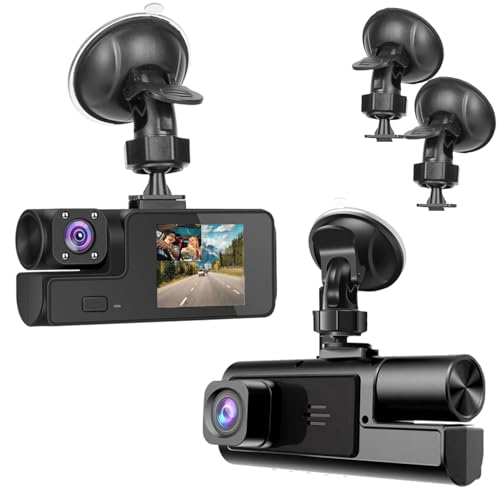
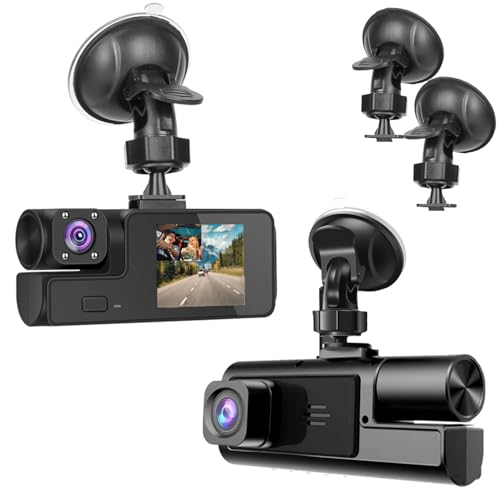
With smartphones packing powerful cameras and sensors, many drivers wonder: can you use phone as dashcam? The short answer is yes, but with significant caveats. While dedicated dash cams offer optimized reliability, using a smartphone can be a viable temporary or budget-friendly solution. This guide delves into the practicalities, from selecting the right app to understanding the crucial limitations. We'll help you determine if this tech hack is a smart stopgap or a risky compromise for your vehicle's safety and security needs.
Key Takeaways
- 1. Yes, you can effectively use your phone as a dashcam by downloading a dedicated app that provides features like loop recording, G-sensor event locking, and speed/position logging.
- 2. The primary drawbacks are hardware strain—constant use can overheat the battery and camera—and the inconvenience of mounting and powering the phone for every drive.
- 3. For reliable, set-and-forget protection, a dedicated dashcam is superior, as it's designed for continuous operation, extreme temperatures, and discreet permanent installation.
- 4. Using your phone as a dashcam creates a critical conflict: it cannot be used for navigation or calls while recording, which defeats its primary purpose as a mobile device.
- 5. It serves best as a temporary or secondary solution, ideal for rental cars, occasional trips, or testing the need for a dashcam before purchasing a dedicated unit.
- 6. Ensure you select an app with automatic start/stop functionality and secure, legal mounting (usually on the lower corner of the windshield) to minimize distraction and obstruction.
The Core Concept: How Using Your Phone as a Dash Cam Works

At its core, the process leverages your smartphone's existing hardware: the high-resolution camera, GPS, accelerometer, and ample storage. Specialized dash cam apps transform these components into a dedicated safety device.
The workflow is straightforward. You mount your phone securely on the windshield or dashboard, launch the app, and start driving. The software begins continuous loop recording, overwriting the oldest footage unless an event is detected. This is where the technology shines.
Using the phone's sensors, the app can automatically save and protect a video clip when the G-force sensor (accelerometer) detects a sudden impact or harsh braking—a feature called G-sensor event locking. Many apps also use motion detection to save footage while parked, providing vital evidence if your vehicle is hit.
Advanced features often include:
- GPS logging: Embeds your speed and location onto the video.
- Dual-channel capability: Using both front and rear phone cameras to record simultaneously.
- Cloud backup: Automatically uploading critical event footage for safekeeping.
Essentially, your phone becomes an intelligent, sensor-driven witness, capturing a continuous, protected record of your journey.

Top-Rated Dash Cam Apps: Features and Functionality Compared
Yes, you can absolutely use your smartphone as a capable dashcam, leveraging its high-resolution camera, GPS, and processing power. Dedicated dashcam apps transform your device into a powerful recording tool, offering features that rival many standalone units.
Key functionalities to compare in top-rated apps include:
- Automatic Recording & Loop Recording: The best apps launch and start recording automatically when motion is detected or your car's Bluetooth connects, saving storage by overwriting old footage.
- G-Sensor & Incident Detection: A built-in accelerometer locks crucial footage if a sudden impact is sensed, preserving evidence of collisions.
- GPS Logging: Many apps overlay your speed and route onto the video, providing vital contextual data.
- Dual-Channel Support: Some apps allow you to use a second phone or tablet as a rear-facing camera for comprehensive coverage.
However, consider that using your phone as a dashcam consumes battery, storage, and may overheat during extended use. It also lacks the discrete, always-on convenience of a dedicated, hardwired device. For a reliable, temporary, or supplementary solution, a top dashcam app is an excellent and cost-effective choice.
Major Advantages: Why Consider Your Phone for Dash Cam Duty

Using your smartphone as a dash cam is a highly practical and cost-effective solution for many drivers. The most significant advantage is immediate cost savings, eliminating the need to purchase a dedicated device. You're leveraging hardware you already own and trust.
Modern smartphones possess superior camera hardware—high-resolution sensors, wide dynamic range (HDR), and excellent low-light performance—that often surpasses that of budget or mid-range dash cams. This results in clearer license plate and detail capture.
The setup offers remarkable flexibility and connectivity. Your phone can instantly upload footage to the cloud via cellular data, providing an off-car backup if the device is stolen or damaged. The large screen also allows for easy playback and file management without needing separate cables or card readers.
Furthermore, a single device consolidates your navigation, music, emergency calls, and incident recording into one integrated system, reducing dashboard clutter. With robust apps available that offer loop recording, G-force incident locking, and speed/ GPS overlays, the functionality gap with dedicated units narrows considerably.
Critical Drawbacks and Safety Concerns You Must Consider
While repurposing your phone as a dashcam seems cost-effective, significant drawbacks make it a poor long-term solution for safety.
Reliability is the primary concern. A dedicated dashcam is designed for continuous operation, handling extreme vehicle temperatures and automatically starting/stopping with the ignition. Using your phone risks overheating, battery degradation, and missed recordings if you forget to launch the app.
It also creates serious safety distractions. Mounting your phone in the windshield often blocks critical visibility. Notifications, calls, or the temptation to interact with the device while driving introduce dangerous cognitive and visual distractions, directly increasing accident risk.
Furthermore, critical features are often missing. Most phone apps lack reliable loop recording, G-force sensors for automatic incident locking, and wide-angle lenses optimized for capturing license plates and peripheral details. The phone's storage is also compromised, needing constant management.
Finally, in a collision, a securely mounted dedicated dashcam is more likely to remain in place and capture evidence. A phone mount may fail, and your primary communication device could become damaged or lost at the scene.

Essential Setup Guide: Mounting, Power, and Optimal Settings
Using your smartphone as a dashcam is a highly effective and budget-friendly solution. To begin, a secure mount is non-negotiable. Use a vent, suction cup, or CD-slot mount to position the phone on your windshield or dashboard, ensuring an unobstructed view of the road ahead without blocking your own sightlines.
Power is your next critical consideration. Continuous recording drains batteries quickly. A high-quality USB car charger and a durable cable are essential for providing uninterrupted power, preventing your phone from shutting down mid-drive. For optimal settings, select a dedicated dashcam app that offers loop recording, which automatically overwrites old footage, and G-sensor activation to lock and save video during a collision.
Set the video resolution to 1080p at 30fps as a baseline for a good balance of detail and file size. Enable audio recording only if legally permitted in your region. Finally, ensure your phone's storage has ample free space—at least 10-15GB—and consider automating the process by having the dashcam app launch automatically when it connects to your car's Bluetooth or power.
Legal and Privacy Implications of Recording While Driving
Using your smartphone as a dashcam is technically simple, but it introduces significant legal and privacy considerations. From a legal standpoint, consent laws are the primary concern. In two-party consent states or jurisdictions, you may be legally required to inform passengers they are being recorded. Audio recording often carries stricter rules than video.
Privacy extends beyond your car. Continuously recording public spaces captures license plates, pedestrians, and the interiors of other vehicles, potentially violating others' privacy. If involved in an incident, this footage could become legal evidence, subject to discovery in court.
Furthermore, data security is crucial. A dedicated dashcam typically uses a loop-recording SD card. A phone, however, may automatically upload footage to the cloud or be more vulnerable if your device is seized or stolen, exposing extensive personal data beyond just driving footage.
Always research your local and state laws regarding video and audio recording. Inform passengers, and be mindful of where you mount your phone to ensure it does not obstruct your view, as this can also carry legal penalties.
Phone vs. Dedicated Dash Cam: A Detailed Feature Breakdown
Using your smartphone as a dash cam is technically possible with widely available apps. It leverages hardware you already own, offering a low-cost entry point with decent video quality. Modern phones often have superior sensors, enabling features like 4K recording that outperform many budget dedicated cams.
However, significant drawbacks exist. A phone used as a dash cam will suffer from extreme overheating during prolonged use, especially in direct sunlight, leading to shutdowns. It also drains your primary device's battery rapidly, creates mounting challenges that may obstruct your view, and lacks critical dedicated hardware features.
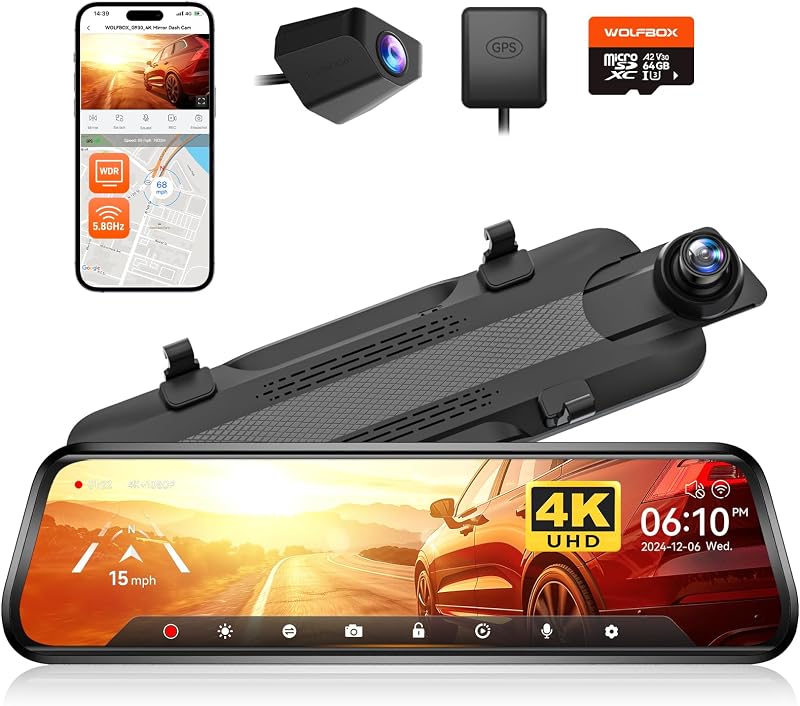
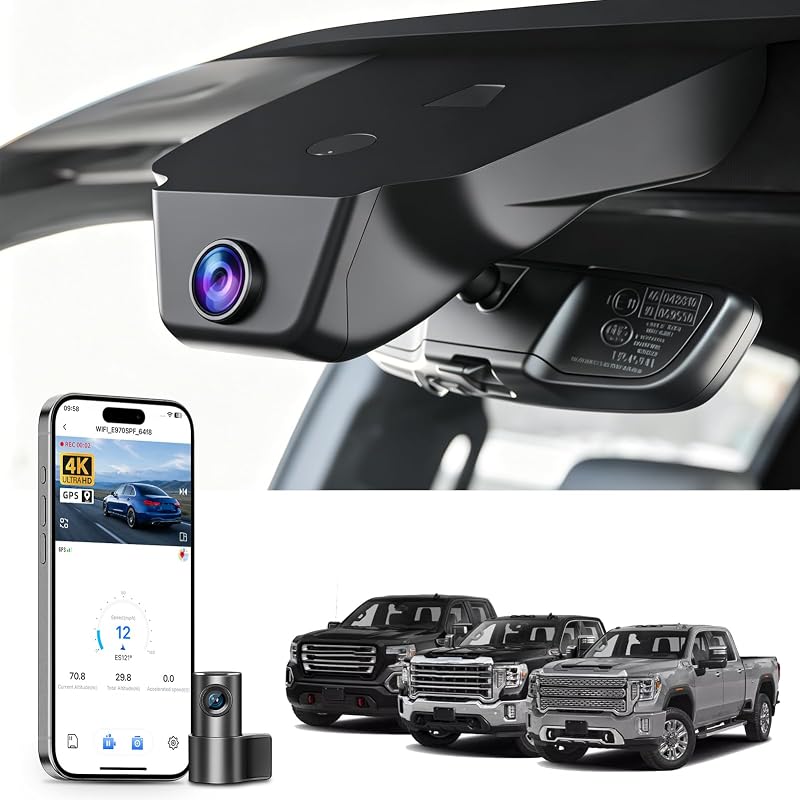
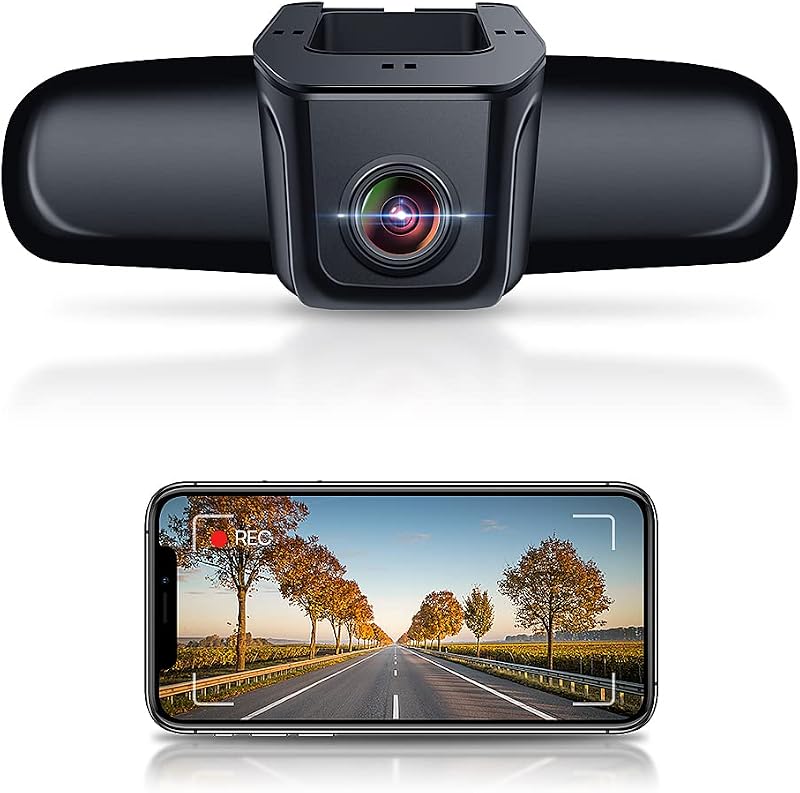
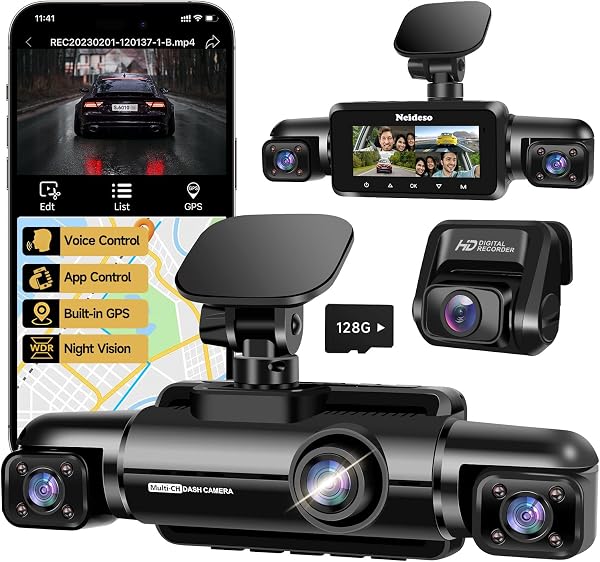
This is where a dedicated dash cam excels. It is engineered for continuous, reliable operation with a supercapacitor built to withstand vehicle temperature extremes. Key features like automatic loop recording, seamless ignition-based start/stop, and built-in GPS for speed/location logging are standard. Most crucially, a dedicated cam provides an unbiased, always-on witness, whereas a phone is often needed for other purposes or can be compromised by a call or notification.
In summary, a phone can serve as a temporary or emergency solution. For reliable, set-and-forget security and evidence, a dedicated dash cam is the definitive choice.
Final Verdict: When It Makes Sense and When to Invest
Using your smartphone as a dashcam is a viable low-cost entry point. It makes sense if you want to test the utility of a dashcam without investment, or for occasional use in a secondary vehicle. Modern phones have excellent cameras, and apps can provide loop recording, G-force incident detection, and GPS logging.
However, significant drawbacks mean it's not a perfect long-term solution. A phone left on your windshield is a security risk, inviting theft. It will overheat in direct sun, drain its battery rapidly, and miss critical footage if the app crashes or you forget to start it. You also sacrifice your phone's primary function while driving.
Therefore, invest in a dedicated dashcam for regular use. Purpose-built devices are more reliable, start automatically with your car, are designed for extreme temperatures, and use capacitors instead of batteries for safety. They offer wider dynamic range for better license plate readability and a cleaner, permanent installation.
Use your phone as a temporary or experimental tool. For dependable, set-and-forget protection, a dedicated dashcam is the superior investment.
Frequently Asked Questions
What is can you use phone as dashcam and who should use it?
A: can you use phone as dashcam is a solution designed to address a specific set of needs for a defined audience. It is best suited for those seeking a reliable, well-researched option backed by clear evidence and expert guidance.
How long does it take to see results with can you use phone as dashcam?
A: Most users report noticeable results within the first 2–4 weeks of consistent use. Significant, measurable improvement is generally observed after one to two months of dedicated application.
Is can you use phone as dashcam suitable for beginners or experienced users?
A: can you use phone as dashcam is designed to accommodate a wide range of experience levels, from complete beginners to advanced practitioners. Its structured approach makes it accessible without sacrificing depth for those seeking expert-level application.
Can can you use phone as dashcam be combined with other approaches or products?
A: Yes, can you use phone as dashcam is generally compatible with complementary strategies and tools. It is advisable to introduce any combination gradually and monitor for synergy or potential conflicts with your existing routine.
What are the most common mistakes to avoid with can you use phone as dashcam?
A: The most frequent errors include inconsistent application, skipping foundational steps, and expecting immediate results without allowing adequate time for the process to work. Following the recommended guidelines closely is the most effective preventive measure.
How does can you use phone as dashcam compare to similar alternatives on the market?
A: can you use phone as dashcam distinguishes itself through its evidence-based formulation, transparent ingredient or methodology sourcing, and a track record of user-verified outcomes. Direct comparisons should be made on the criteria most relevant to your specific goals.
Are there any limitations or side effects associated with can you use phone as dashcam?
A: While can you use phone as dashcam is formulated to minimize adverse effects, individual responses can vary based on specific sensitivities or pre-existing conditions. Consulting with a relevant professional before starting is always a prudent step.
What is the best way to get started with can you use phone as dashcam?
A: The most effective starting point is to begin with a foundational assessment of your current situation, then follow the recommended introductory protocol for can you use phone as dashcam. Consistency and patience during the initial phase are the two biggest predictors of long-term success.
Conclusion
Using your smartphone as a dashcam is a feasible and budget-friendly option, especially for occasional drivers or those testing the need for a dashcam. By leveraging a high-quality camera and a dedicated app, you can achieve clear video evidence without an upfront hardware investment. It works best with a proper mount and a car charger to mitigate battery drain.
However, for regular or permanent use, a dedicated dashcam is superior. It offers set-and-forget reliability, critical safety features like loop recording and impact sensors, and avoids the risks of overheating, battery degradation, and leaving your primary device unavailable. Ultimately, a phone makes a good temporary dashcam, but a dedicated device is the safer, more robust choice for long-term protection on the road.