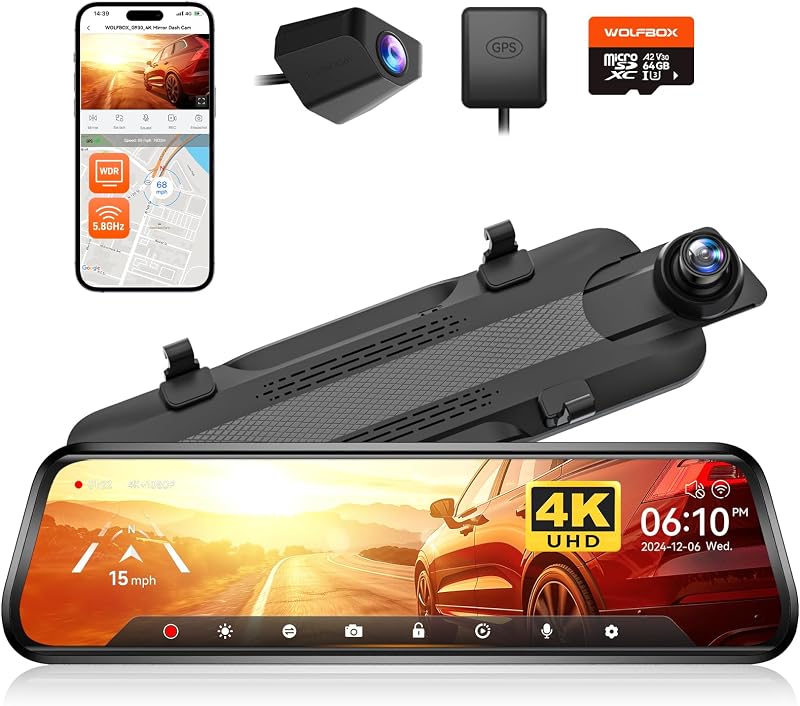
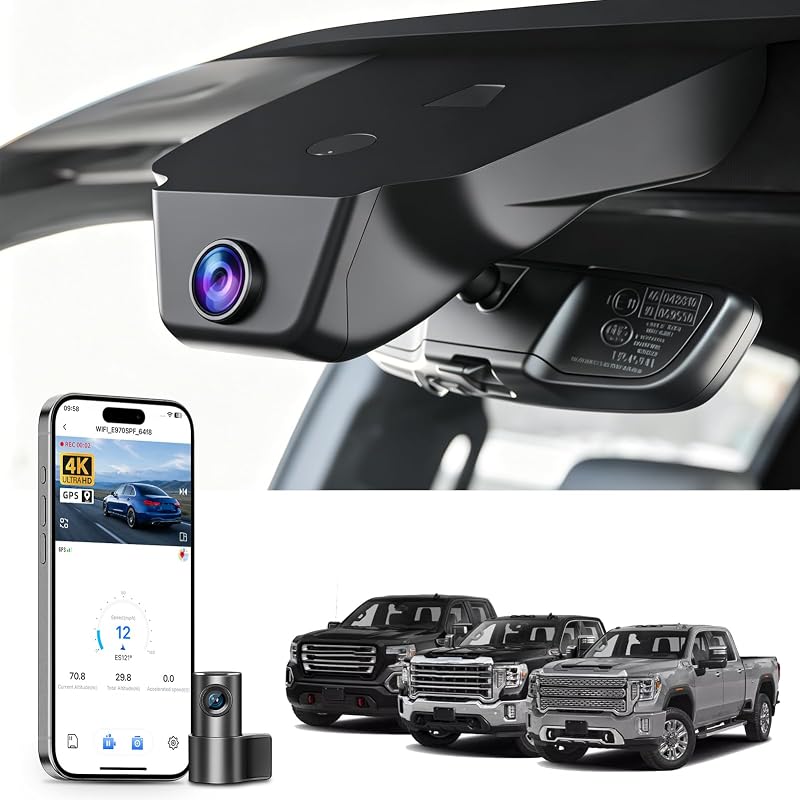
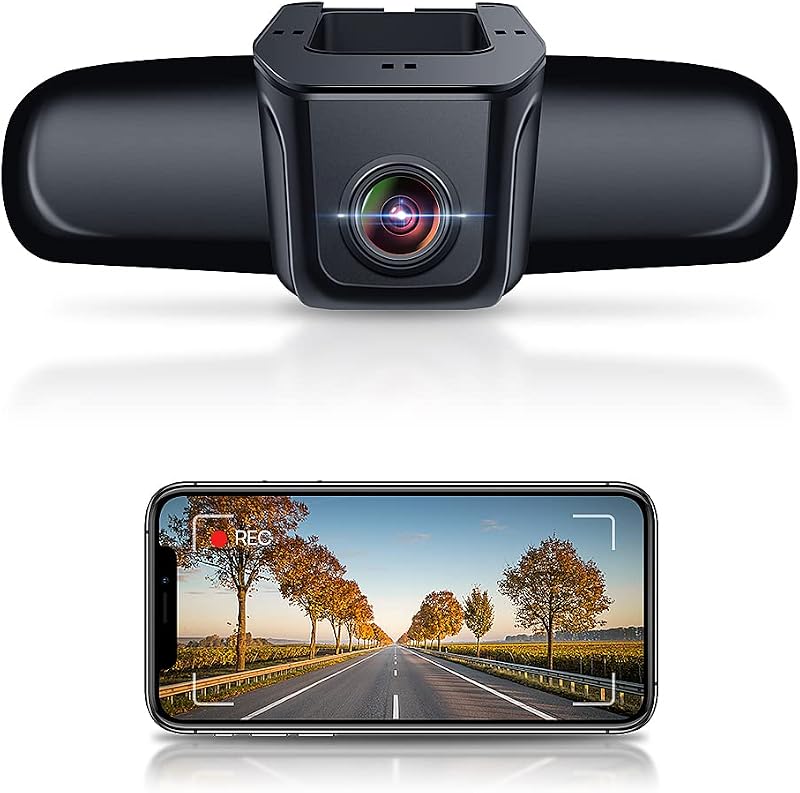
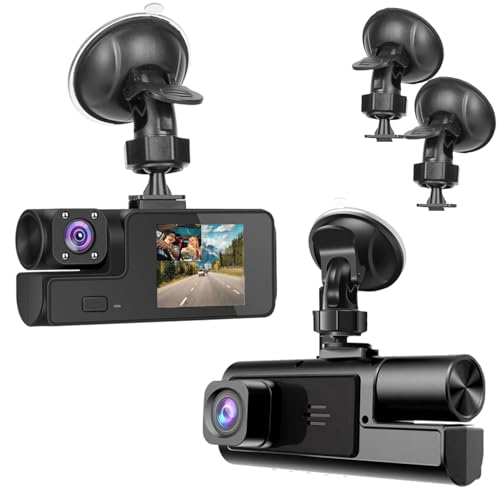
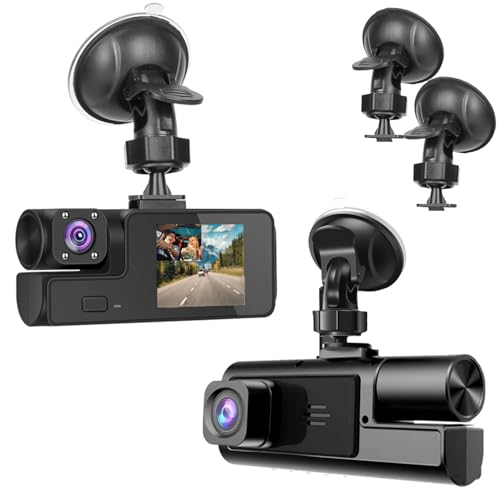
A common concern for drivers is whether a dash cam will drain their car battery. The short answer is: it depends on how it's used. While a dash cam used only while driving poses minimal risk, using parking mode or hardwiring incorrectly can lead to a dead battery. Understanding your dash cam's power draw, your vehicle's electrical system, and implementing the right safeguards is crucial. This guide breaks down the factors at play and provides clear strategies to protect your battery while keeping your camera operational.
Key Takeaways
- 1. Yes, a dash cam can drain a car battery if it operates while the engine is off, typically due to being hardwired to a constant power fuse or using parking mode.
- 2. The risk is minimal with a properly installed hardwiring kit that includes a low-voltage cutoff, which automatically shuts off the dash cam to preserve starting power.
- 3. Using only the cigarette lighter/power socket (which turns off with the ignition) prevents battery drain but disables parking mode functionality.
- 4. Battery drain is significantly accelerated by using parking mode, especially with motion or impact detection, on an older or weakened car battery.
- 5. For long-term parking (over a week), it is generally recommended to fully disconnect the dash cam or use an external battery pack designed for parking mode.
- 6. Regular driving (at least 30+ minutes) is usually sufficient to recharge a healthy battery from the minor drain caused by a properly configured dash cam.
How Dash Cams Draw Power: Hardwiring vs. Lighter Socket

Yes, a dash cam can drain your car battery, but the risk depends almost entirely on how it is powered.
When using the lighter socket (cigarette lighter), the dash cam only receives power when the vehicle's ignition is on. It shuts off immediately when you turn off the car, presenting zero risk of battery drain. This is the simplest method, but it lacks parking mode functionality.
Hardwiring connects the dash cam directly to the vehicle's fuse box. This enables advanced features like parking mode, which monitors your car while parked. A professional hardwire kit includes a low-voltage cut-off (LVCO) device. This crucial component monitors your battery and automatically cuts power to the dash cam before the battery is drained to a critical level, preventing a no-start situation.
Therefore, a properly installed hardwired dash cam with a voltage monitor is safe for your battery. The primary cause of battery drain is an incorrect installation or a hardwire kit lacking this protective feature.

The Biggest Culprit: Understanding Parking Mode Drain
While a dash cam used only while driving poses minimal risk, the primary cause of battery drain is Parking Mode. This feature, which allows the camera to record after you park, continuously draws power.
The drain severity depends on the hardware and setup. A basic dash cam hardwired without a low-voltage cut-off (LVCO) is the biggest culprit, as it may drain the battery to the point of failure. Modern best practice involves using a hardwiring kit with a built-in LVCO, which monitors your car battery's voltage and automatically cuts power before it drops below a safe level (typically ~12.4V).
Other factors influencing drain include:
- Battery Health: An older, weaker battery depletes faster.
- Parking Mode Sensitivity: High motion/G-sensor sensitivity causes more frequent recording cycles.
- Parking Duration: Leaving the car unused for extended periods increases risk.
Key Factors That Determine Battery Drain Risk

The risk of a dash cam draining your car battery is determined by several key technical and usage factors. Primarily, the wiring method is critical. A dash cam hardwired to a constant (always-on) fuse poses a much higher risk than one plugged into the ignition-switched accessory socket (cigarette lighter), which powers down with the vehicle.
Secondly, the parking mode function is a major consideration. While useful, this feature requires continuous power to monitor motion or impacts. Its drain depends on the camera's power efficiency, sensor sensitivity, and how often it is triggered in a high-activity area.
Finally, the health of your car battery is the foundational variable. An older, weakened battery has significantly less reserve capacity to handle any parasitic draw, even from a low-power device, especially in extreme temperatures. The duration of vehicle inactivity also compounds these factors.
How to Prevent a Dead Battery: Essential Settings & Hardware
While a properly installed dash cam has minimal impact, improper use can drain your car battery. The primary risk comes from the parking mode feature, which continuously monitors your vehicle when the ignition is off.
To prevent a dead battery, essential hardware is non-negotiable. You must use a hardwiring kit with a low-voltage cut-off (LVCO). This device monitors your battery and automatically shuts down the dash cam when voltage drops to a preset safe level (e.g., 11.8V).
Critical settings further optimize protection:
- Set the correct LVCO voltage threshold based on your climate and battery age.
- Adjust parking mode motion/g-impact sensitivity to avoid excessive recording from minor events.
- Use a timer function to limit parking mode duration to 6, 12, or 24 hours.
For ultimate reliability, consider pairing your system with an external lithium battery pack designed for dash cams, which powers parking mode independently of your vehicle's starter battery.

Choosing the Right Hardwiring Kit: Voltage Cutoff Explained
Hardwiring a dash cam is the cleanest, most reliable method for parking mode functionality. However, the risk of a drained battery is a valid concern. The critical component that prevents this is the hardwiring kit's voltage cutoff feature.
This device, installed between your car's fuse box and the dash cam, continuously monitors your vehicle's battery voltage. It allows the dash cam to draw power until a preset threshold is reached, then automatically cuts the power to preserve enough charge to start your engine.
Choosing the right kit depends on your cutoff setting:
- 12.4V (≈80% capacity): A conservative setting ideal for short commutes, older batteries, or cold climates.
- 12.0V (≈50% capacity): A common balance, offering extended recording time while maintaining reliable starts.
- 11.6V (Low Voltage): Aggressive and generally not recommended, as it risks battery health and starting ability.
For most drivers, a kit with an adjustable cutoff (e.g., 12.4V/12.0V/11.6V) provides the best flexibility to match your specific vehicle and battery condition, ensuring security without the inconvenience of a dead battery.
Best Practices for Long-Term Dash Cam Use
Yes, a dash cam can drain your car battery, but primarily when it operates in parking mode while the vehicle is off. Modern hardwired dash cams use a low-voltage cut-off feature to prevent this, automatically shutting down before the battery is depleted to a critical level.
For long-term, worry-free use, follow these best practices:
- Professional Hardwiring: Have a qualified technician hardwire your dash cam to the fuse box using a dedicated kit. This enables the critical voltage protection.
- Adjust Voltage Cut-Off: Set the cut-off voltage (typically 11.8V - 12.4V) based on your climate and battery age. A higher setting (e.g., 12.4V) offers more protection for older batteries.
- Limit Parking Mode: Use motion or impact detection instead of continuous recording to minimize drain. Consider disabling parking mode for extended periods of inactivity.
- Battery Health: Ensure your car battery is in good condition. An older, weak battery will deplete faster.
- Alternative Power: For vehicles used infrequently, a dedicated dash cam battery pack or using the cigarette lighter socket (which typically loses power when the car is off) are safer options.
Troubleshooting: Signs Your Dash Cam is Draining the Battery
While a properly installed dash cam should not drain your car's battery, it is a common issue when hardwiring is involved. The primary culprit is the dash cam's parking mode. This feature, which allows recording while the car is off, continuously draws power. If your vehicle is not driven regularly, this small, constant drain can deplete the battery over days.
Key signs your dash cam is causing a drain include:
- A slow engine crank or failure to start, especially after the car sits for 1-3 days.
- The vehicle's battery warning light illuminating on the dashboard.
- You find the dash cam powered off when you start the car, indicating the battery protection feature cut power.
- Measureable battery voltage dropping below 12.4V when the vehicle is off.
To prevent this, ensure your hardwire kit uses a low-voltage cut-off feature set appropriately (typically 12.4V or 11.8V). For infrequent drivers, consider disabling parking mode or using a high-capacity external battery pack designed for dash cams.
Myth vs. Reality: Common Dash Cam Power Misconceptions
The belief that a professionally installed dash cam inevitably drains a car battery is a prevalent myth. The reality is that modern dash cams, when connected correctly, have a negligible impact on a healthy battery.
Standard operation via your vehicle's 12V accessory (cigarette lighter) socket provides power only when the ignition is on. The camera turns off with the engine, presenting zero drain risk.
Battery drain concerns typically involve parking mode, which uses a voltage monitor (cut-off device). This essential accessory continuously measures battery voltage and automatically shuts the camera off before it drops to a critical level (e.g., 11.8V), preserving starting power. Without this hardware, a hardwired camera can cause a dead battery.
Therefore, the core issue isn't the dash cam itself, but the installation method and hardware used. A proper hardwire kit with a voltage cutoff is the definitive solution, transforming the battery drain myth into a managed reality for safe, 24/7 protection.
Frequently Asked Questions
What is does dash cam drain car battery and who should use it?
A: does dash cam drain car battery is a solution designed to address a specific set of needs for a defined audience. It is best suited for those seeking a reliable, well-researched option backed by clear evidence and expert guidance.
How long does it take to see results with does dash cam drain car battery?
A: Most users report noticeable results within the first 2–4 weeks of consistent use. Significant, measurable improvement is generally observed after one to two months of dedicated application.
Is does dash cam drain car battery suitable for beginners or experienced users?
A: does dash cam drain car battery is designed to accommodate a wide range of experience levels, from complete beginners to advanced practitioners. Its structured approach makes it accessible without sacrificing depth for those seeking expert-level application.
Can does dash cam drain car battery be combined with other approaches or products?
A: Yes, does dash cam drain car battery is generally compatible with complementary strategies and tools. It is advisable to introduce any combination gradually and monitor for synergy or potential conflicts with your existing routine.
What are the most common mistakes to avoid with does dash cam drain car battery?
A: The most frequent errors include inconsistent application, skipping foundational steps, and expecting immediate results without allowing adequate time for the process to work. Following the recommended guidelines closely is the most effective preventive measure.
How does does dash cam drain car battery compare to similar alternatives on the market?
A: does dash cam drain car battery distinguishes itself through its evidence-based formulation, transparent ingredient or methodology sourcing, and a track record of user-verified outcomes. Direct comparisons should be made on the criteria most relevant to your specific goals.
Are there any limitations or side effects associated with does dash cam drain car battery?
A: While does dash cam drain car battery is formulated to minimize adverse effects, individual responses can vary based on specific sensitivities or pre-existing conditions. Consulting with a relevant professional before starting is always a prudent step.
What is the best way to get started with does dash cam drain car battery?
A: The most effective starting point is to begin with a foundational assessment of your current situation, then follow the recommended introductory protocol for does dash cam drain car battery. Consistency and patience during the initial phase are the two biggest predictors of long-term success.
Summary
A dash cam can drain your car battery if it is left powered on while the engine is off, particularly when using parking mode features. This occurs because the device continues to draw a small amount of electricity from the vehicle's battery. The risk is higher with older or weaker batteries and during extended periods of inactivity. Simple solutions include manually unplugging the device after each drive or using a switched 12V outlet that turns off with the ignition.
For continuous or parking mode use, the most reliable prevention method is a professional hardwiring installation with a built-in low-voltage cutoff. This setup allows the dash cam to function safely when parked but automatically disconnects power before the battery is drained to a critical level. Ultimately, with proper installation and power management, you can enjoy the security benefits of a dash cam without the worry of a dead battery.