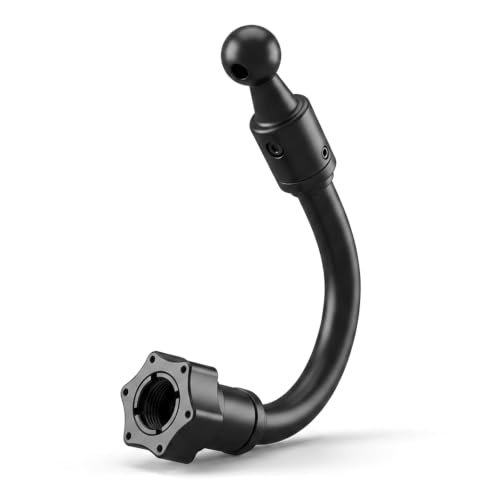
Comparing Use Your Phone as a Dashcam: Best Apps, Mounts & Accessories Reviewed vs Alternatives reveals a fundamental choice for drivers: utilizing your existing smartphone with specialized software or investing in a dedicated, purpose-built camera system.
Many drivers are tempted by the convenience of their high-end smartphone camera to handle vehicle recording. However, this comparison matters because the two paths offer drastically different levels of reliability, legal readiness, and day-to-day usability for the average motorist.
This guide breaks down the technical, financial, and practical trade-offs of both options, allowing you to determine which setup aligns with your driving habits, budget, and long-term security expectations.
- Upfront cost versus long-term hardware investment.
- The impact of environmental heat on battery safety.
- Ease of automation for daily recording tasks.
- Video storage management and loop-recording reliability.
- Legal and insurance documentation standards.
Overview & Head-to-Head Summary

The Smartphone Dashcam Ecosystem
Turning a phone into a dashcam involves installing a specialized app that manages loop recording and sensor-triggered saving. This approach relies on your existing hardware, requiring only a mount and power supply. Learn more about setup essentials to ensure your phone remains stable during operation.
The Dedicated Dash Cam Alternative
Dedicated units are designed for one purpose: constant, high-fidelity recording. They often include features like parking modes, rear-camera support, and hardwired power kits that operate without user intervention. Consult 4K & Dual Dash Cams reviews to see how these hardware solutions handle multi-angle coverage.
| Feature | Smartphone App | Dedicated Dash Cam |
|---|---|---|
| Setup Complexity | Low | High |
| Reliability | Variable | High |
| Heat Tolerance | Low | High |
| Automation | Manual Start | Automatic |
Before opting for either, ensure you understand basic maintenance; even the best systems require periodic checks as detailed in this simple guide for beginners.
Key Differences & Core Features

Thermal Management and Hardware Longevity
Smartphones are not designed to sit in a windshield facing direct sunlight for hours, often resulting in battery degradation or thermal throttling. Dedicated dash cams use capacitors rather than lithium-ion batteries to handle extreme temperature fluctuations far more gracefully.
Loop Recording and Data Management
Dedicated cameras offer seamless loop recording, automatically overwriting old files without user input. While some apps mimic this, they often consume internal storage that you likely need for other apps, photos, and system performance.
| Criteria | Smartphone App | Dedicated Camera |
|---|---|---|
| Power Source | USB/Battery | Hardwire/Cig-Socket |
| Loop Recording | App-Dependent | System-Native |
| Storage | Device Memory | MicroSD Card |
| Mounting | Universal | Vehicle-Specific |
Performance & Real-World Analysis
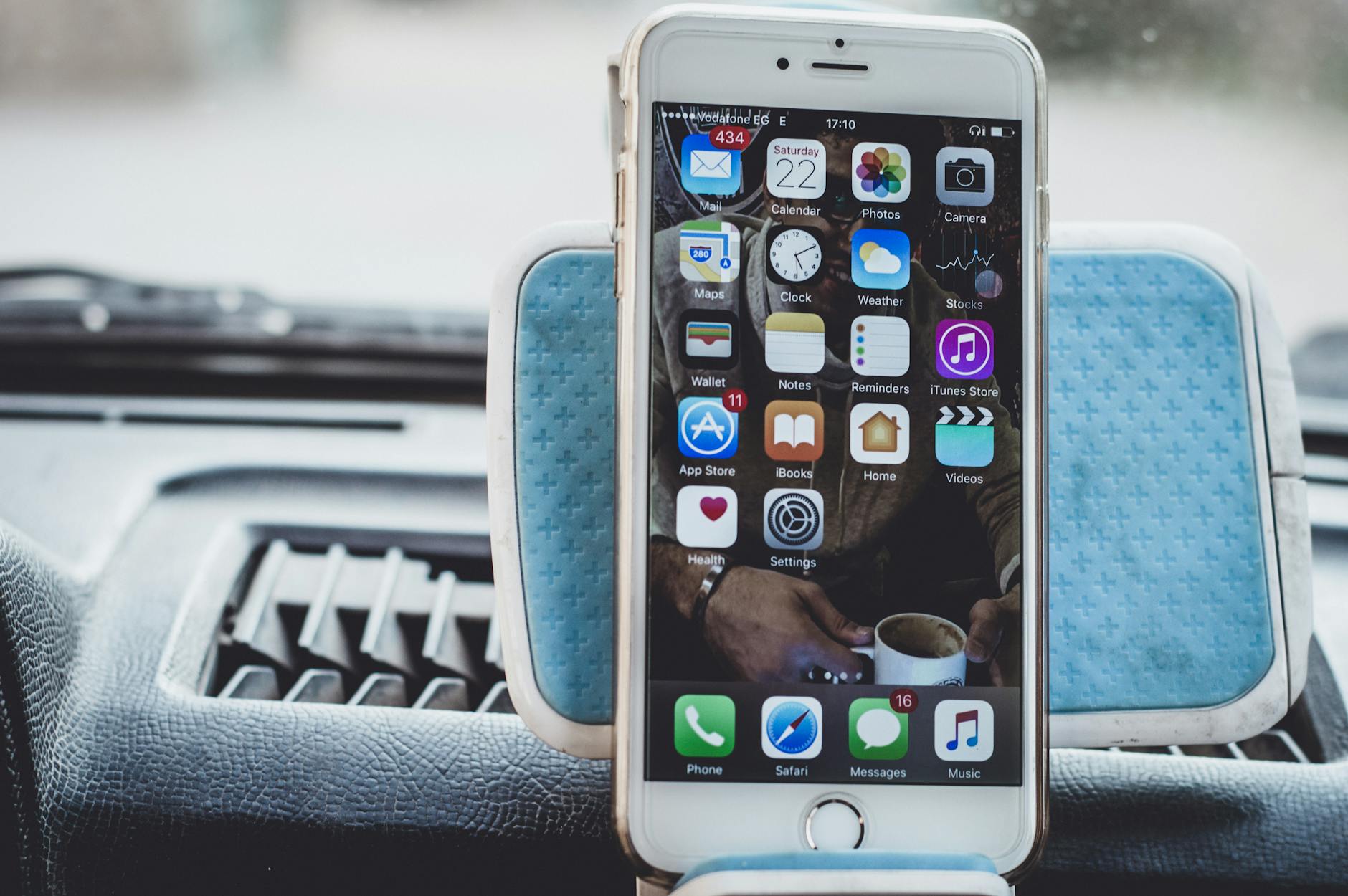
Evaluating Reliability in Daily Commutes
Performance in real-world scenarios is often dictated by the "forget factor." A dedicated dash cam initiates recording the moment the ignition is turned on, whereas a smartphone app often requires manual activation or specific background-app permissions that can be interrupted by incoming calls or notifications.
Testing Workflow
The best performance is achieved by removing the "human error" variable. If your goal is safety, automated hardware typically outperforms software-based solutions.
Best Use Cases & Ideal Scenarios

When Option A Makes More Sense
Using your phone is ideal for occasional drivers, rental car users, or those who travel infrequently. If you need a temporary solution for a road trip without investing in hardware, a high-quality mount and a stable app are cost-effective choices.
When Option B Makes More Sense
A dedicated camera is the standard for daily commuters, rideshare drivers, and those who require "set it and forget it" reliability for insurance purposes. Its ability to handle loop recording and parking surveillance is superior for long-term use.
When It Genuinely Doesn't Matter
If you primarily drive in low-traffic, temperate climates and only want to record occasional scenery or leisure drives, the technical differences between these two options become negligible.
Final Verdict & Decision Framework

Quick Decision Checklist
Consider your daily driving volume. If you drive more than 10,000 miles per year, the wear and tear on your phone battery likely makes the dedicated camera the more economical choice over time.
Our Framework for Choosing
| Goal | Recommended Path |
|---|---|
| Max Convenience | Dedicated Dash Cam |
| Budget Friendly | Smartphone App |
| Long-term Reliability | Dedicated Dash Cam |
| Portability/Travel | Smartphone App |
Frequently Asked Questions
Will using my phone as a dashcam destroy my battery?
A: Constant high-temperature exposure and charging while filming can significantly degrade smartphone battery health over several months.
Are dashcam apps legal?
A: Generally, yes, provided they do not obstruct your view of the road or distract you while driving.
Can I use an old phone as a dedicated dashcam?
A: Yes, this is a popular way to repurpose old hardware while keeping your primary phone free for daily tasks.
Do I need a special mount for my phone?
A: A sturdy, vibration-resistant mount is essential; cheap plastic mounts often cause blurry, unusable footage.
How much storage do dashcams require?
A: High-definition recording requires significant space; a 64GB or 128GB SD card is recommended for most dedicated systems.
Do dedicated dash cams record audio?
A: Most do, though many have a physical mute switch or software setting to disable it for privacy.
Is hardwiring a dashcam difficult?
A: It depends on your vehicle, but many kits come with clear instructions; consider professional installation if you are uncomfortable with fuse boxes.
Can my phone record 4K like a dashcam?
A: While many phones support 4K, they may not support the high-bitrate, long-form loop recording that dedicated dash cams offer natively.
Key Takeaways
- 1 Dedicated cameras are built for endurance, whereas phones are built for general utility.
- 2 Smartphone apps are excellent for temporary needs but lack the automated start-stop reliability of hardware.
- 3 Thermal management is the #1 reason users move from phones to dedicated dash cams.
- 4 Loop recording is a core feature of dedicated cams that must be manually managed or configured in phone apps.
- 5 Total cost of ownership favors dedicated cameras for frequent drivers due to battery replacement costs for phones.
- 6 Mounting stability is the most common point of failure for smartphone-based dashcam setups.
- 7 The decision should be based on how much you value "set-it-and-forget-it" convenience versus saving upfront costs.
Conclusion
Deciding between a smartphone-based setup and a dedicated dash cam comes down to your priorities regarding reliability and convenience. If you are an occasional driver who wants to test the waters, a high-quality mount and a well-reviewed app are sufficient starting points.
However, for those who drive daily or require a consistent safety record, a dedicated dash cam is the superior choice. Dedicated hardware removes the risks of heat-related failure, app crashes, and storage limitations, providing a professional-grade solution that functions reliably every time you hit the road. To learn more about optimizing your vehicle's safety, check our guide on loop recording.
Regardless of your choice, a reliable recording device is a valuable tool for modern road safety and peace of mind.
📌 Pillar Resource: Read our complete complete Use Your Phone as a Dashcam: Best Apps, Mounts & Accessories Reviewed review for in-depth insights.