
Urning Your Phone Into A Dash Cam versus purchasing a dedicated dash camera involves a fundamental choice between convenience and specialized reliability. Many drivers weigh the cost-effectiveness of using existing hardware against the technical advantages of a purpose-built recording device.
The primary point of confusion lies in whether a smartphone can truly replicate the "set-it-and-forget-it" nature of an automotive-grade camera. While mobile apps offer impressive feature sets, hardware stability and thermal management remain points of contention for long-term usage.
This guide breaks down the technical, financial, and operational trade-offs of both options, providing a structured framework to help you determine which recording solution best matches your driving habits and budget.
- Hardware longevity and thermal management
- Reliability in critical recording scenarios
- Total cost of ownership including mounts and storage
- Privacy implications and app connectivity
- Ease of integration with vehicle interior
Overview & Head-to-Head Summary

The Smartphone Recording Profile
Urning Your Phone Into A Dash Cam involves utilizing your mobile device as an optical sensor and processing unit. It relies on third-party software to handle loop recording and G-sensor events, which is excellent for occasional users or those testing the necessity of a dash cam.
The Dedicated Dash Cam Profile
Dedicated cameras are engineered specifically for the automotive environment. As noted in our Best Non WiFi Dash Cam for Guaranteed Privacy and Reliability vs Top Competitors: Which is Best? guide, these units prioritize durability and seamless power integration over multipurpose software flexibility.
| Feature | Smartphone App | Dedicated Dash Cam |
|---|---|---|
| Thermal Management | Low (Risk of overheating) | High (Engineered for heat) |
| Mounting Stability | Variable/Temporary | Secure/Permanent |
| Loop Recording | Software-Dependent | Hardware-Integrated |
| Startup Speed | Manual Activation | Automatic (Ignition-linked) |
If you choose to use your phone, invest in a high-quality, stable dashboard mount to prevent the device from becoming a projectile or obstructing your field of view.
Key Differences & Core Features
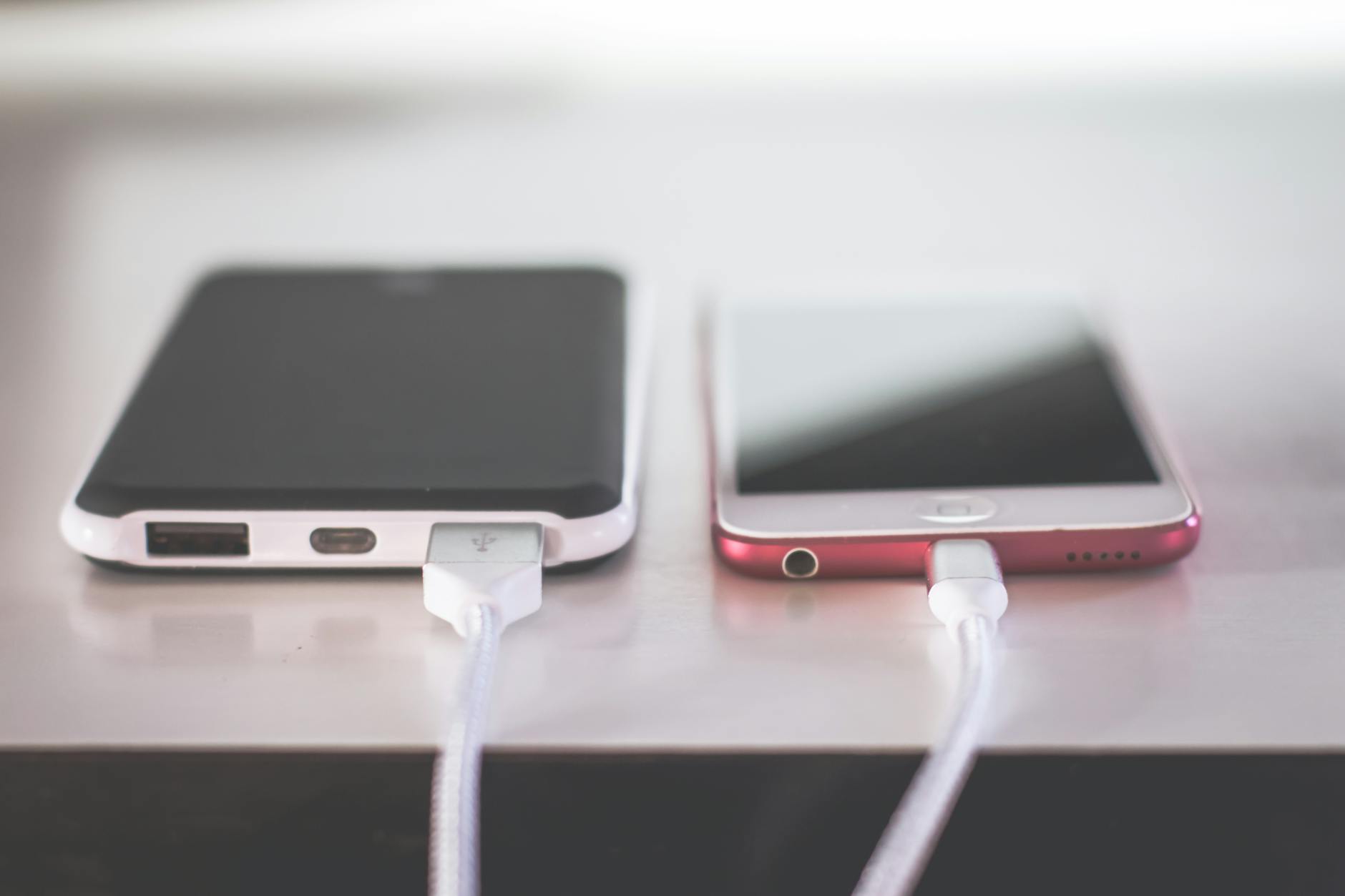
Architectural and Thermal Constraints
A dedicated dash cam is built to handle the extreme temperature swings inside a parked vehicle, often utilizing capacitors instead of lithium-ion batteries. In contrast, running your phone as a dash cam places heavy strain on the battery, which may degrade faster under prolonged heat exposure.
Data Management and Storage
Dedicated cameras automatically manage storage through advanced loop recording, overwriting the oldest files safely. Smartphone apps may struggle with full local storage or cloud sync limitations, a concern explored further in Dash Cam Without Phone App: 5 Top Models Compared vs Top Competitors: Which is Best?.
| Metric | Smartphone Usage | Dedicated Hardware |
|---|---|---|
| Power Source | Battery/12V Charger | Hardwire/Fuse Box |
| Recording Trigger | Manual/Motion | Ignition Start |
| Audio Quality | Often Variable | Optimized for Interior |
| Integration | External Cables | Concealed Wiring |
Performance & Real-World Analysis

Evaluating Optical Reliability
Dash cam performance is measured by its ability to resolve fine details like license plates under varying lighting. Smartphones often possess superior sensors, but their software stabilization and field of view may not be optimized for the wide-angle, high-speed requirements of road monitoring.
Assessing Long-Term Operational Integrity
Dedicated cameras offer consistent performance in diverse environments, while smartphones provide flexibility for those who prioritize temporary, low-cost monitoring solutions.
Best Use Cases & Ideal Scenarios

When Option A Makes More Sense
Using your phone is ideal for occasional drivers, rental car users, or those who want to trial the benefits of dash cams before investing in hardware like the Fitcamx Dash Camera. It is a zero-cost barrier to entry.
When Option B Makes More Sense
Dedicated units are essential for daily commuters, fleet vehicles, or anyone seeking "set-it-and-forget-it" reliability. For those needing maximum coverage, researching Top 5 Must-Have Accessories for Best 4K & Dual Dash Cams ensures your setup remains effective in all scenarios.
When It Genuinely Doesn't Matter
For drivers who only need to record short, incidental trips on cool days in low-traffic urban environments, both methods will generally capture adequate visual data.
Final Verdict & Decision Framework

Quick Decision Checklist
Before committing, determine your primary goal: Do you need reliable, automated daily evidence (choose dedicated) or temporary, low-effort trip documentation (choose smartphone)?
Our Framework for Choosing
| Priority | Recommended Approach |
|---|---|
| Long-term reliability | Dedicated Dash Cam |
| Cost efficiency | Smartphone |
| Ease of setup | Smartphone |
| Covert installation | Dedicated Dash Cam |
Frequently Asked Questions
Is using a phone as a dash cam legal?
A: In most jurisdictions, it is legal provided it does not obstruct the driver's view and is not handled while the vehicle is in motion.
Will my phone battery get ruined?
A: Prolonged exposure to heat and high-drain applications can accelerate battery degradation, making it less ideal for 24/7 use.
Can smartphone apps handle loop recording?
A: Yes, most dedicated dash cam apps allow for continuous loop recording to manage storage automatically.
Are dash cam apps reliable?
A: They are generally reliable for casual use, but they may lack the robust crash-detection sensors found in dedicated hardware.
Do I need a special mount for my phone?
A: Yes, a dedicated, vibration-resistant mount is necessary to ensure clear footage and road safety.
What is the main downside of a phone setup?
A: The primary downside is the lack of automated startup/shutdown integration and increased thermal stress on the device.
Can I use an old phone as a dedicated camera?
A: Yes, repurposing an older device is a great way to experiment without committing to a dedicated dash cam purchase.
Do dash cams record audio?
A: Most dedicated dash cams record audio, which can be toggled off in settings for privacy if desired.
Key Takeaways
- 1 Dedicated cameras offer superior long-term reliability and thermal management.
- 2 Smartphone solutions provide cost-effective entry-level monitoring.
- 3 Mounting stability is crucial for both, but more challenging with smartphones.
- 4 Ignition-linked startup is a major benefit of dedicated dash cams.
- 5 Storage management is more seamless on dedicated devices.
- 6 Consider local laws regarding windshield obstruction for both methods.
- 7 Your driving frequency should dictate your investment in equipment.
Conclusion
Whether you choose to utilize your smartphone or invest in a dedicated dash camera depends heavily on your requirements for reliability and long-term usage. If you are an occasional driver looking for a quick solution, an app-based setup may serve your needs effectively.
However, for daily commuters, the engineering advantages of a dedicated camera—specifically concerning heat resistance and ignition automation—often outweigh the initial cost. Making an informed choice ensures you have the evidence you need when it matters most.
Selecting the right tool for the job is the first step toward better road awareness and security.







